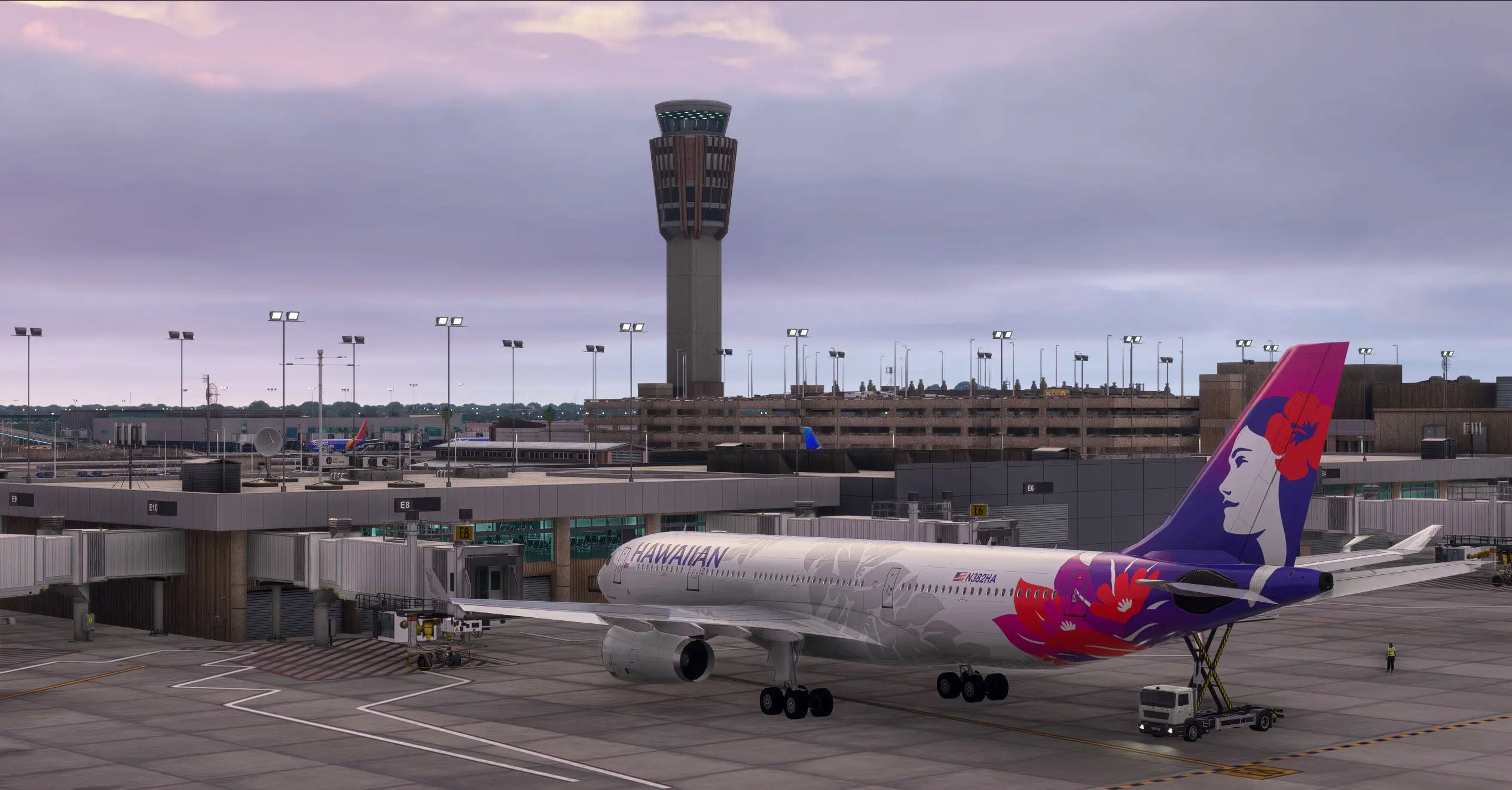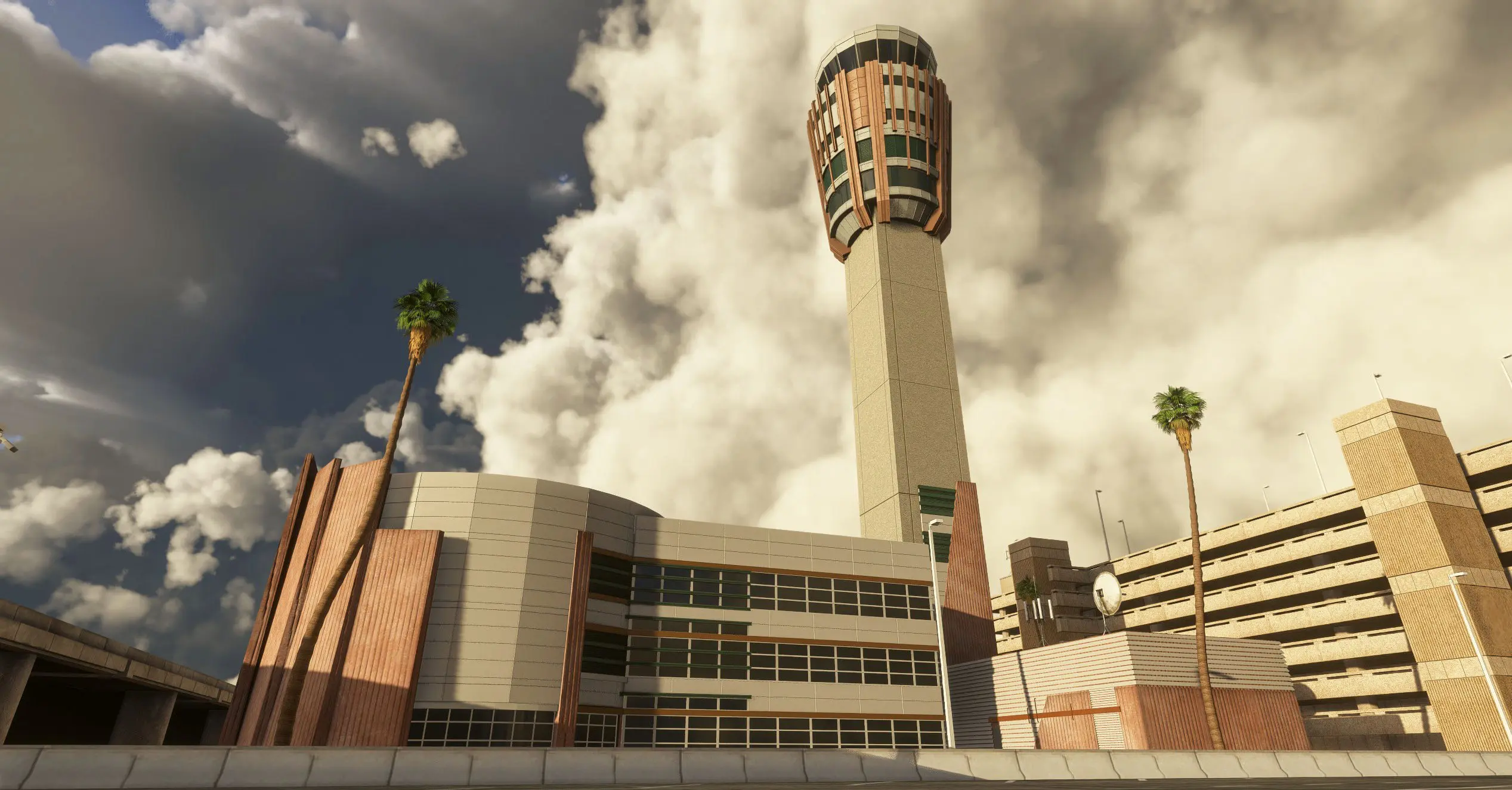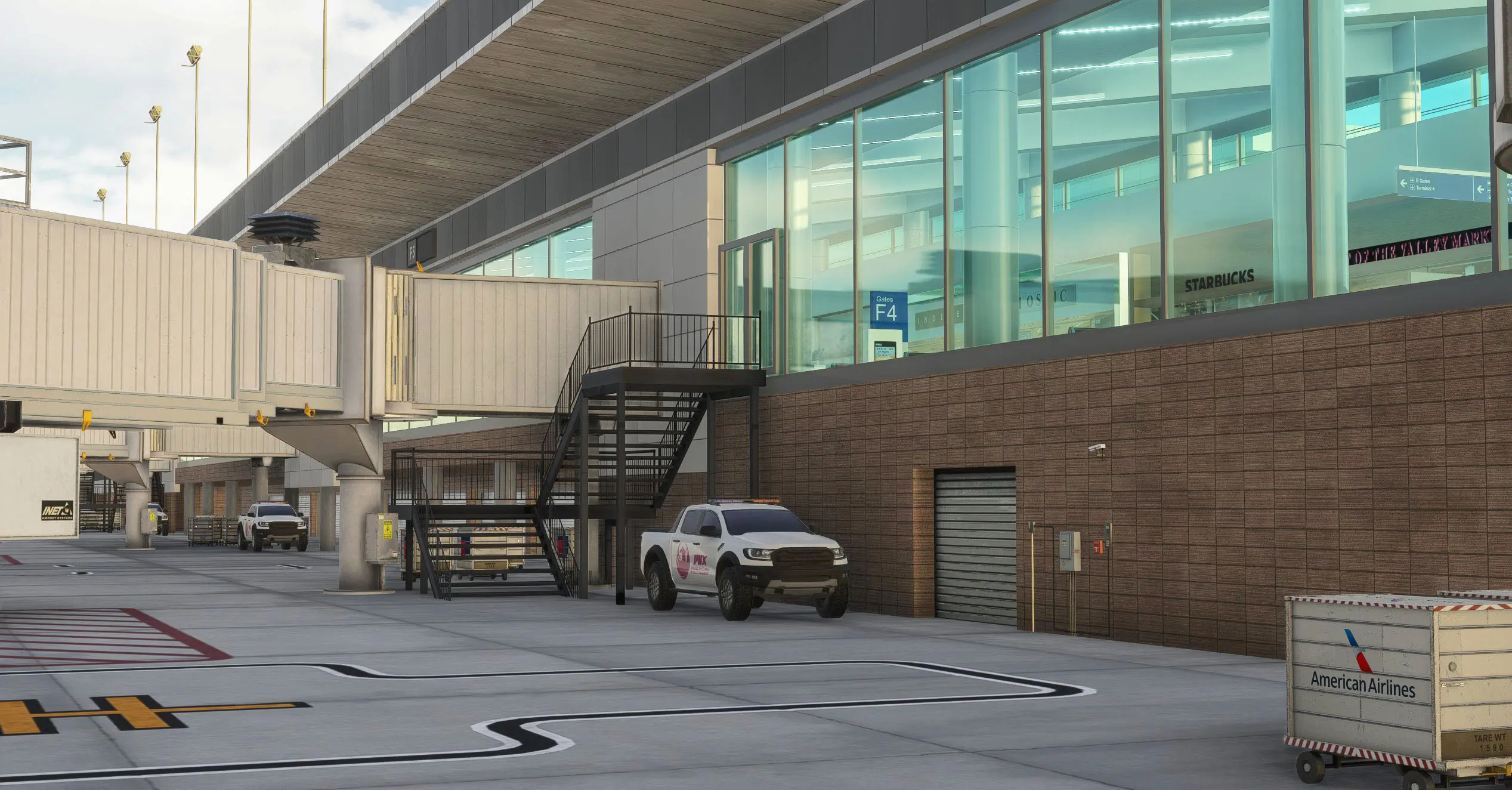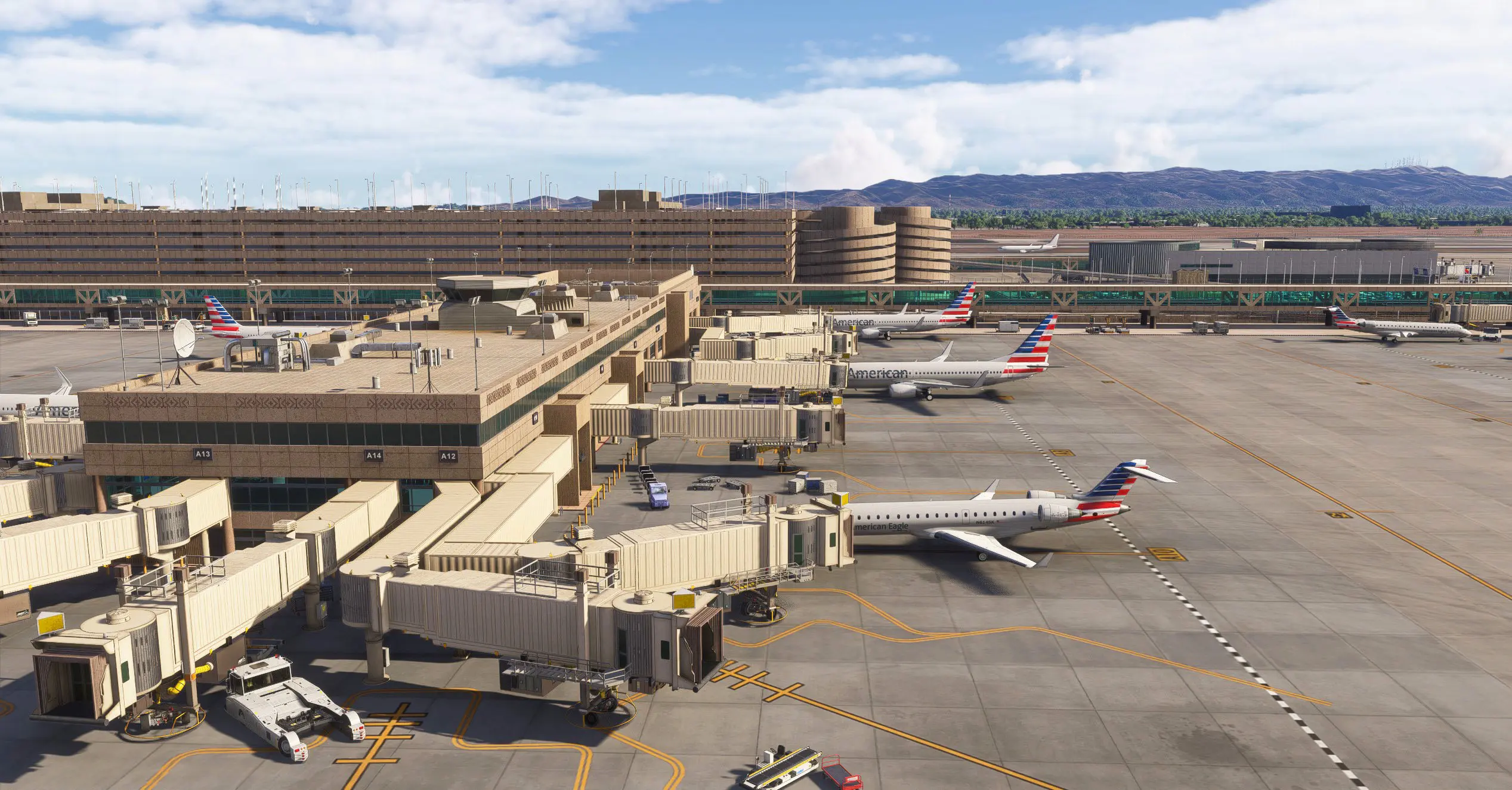


KPHX Sky Harbor Phoenix International Airport MSFS 2024

KPHX Sky Harbor Phoenix International Airport MSFS 2024

Version 3.0.0 Released: Nov 20, 2025 Microsoft Flight Simulator 2024

Owners of the 2020 version of KPHX Phoenix Sky Harbor International Airport can upgrade to the 2024 version for just $5.99 USD!

Simply add KPHX for MSFS 2024 to your CART and get it for $5.99 USD at CHECKOUT.

Welcome to Phoenix — America’s Friendliest Airport!

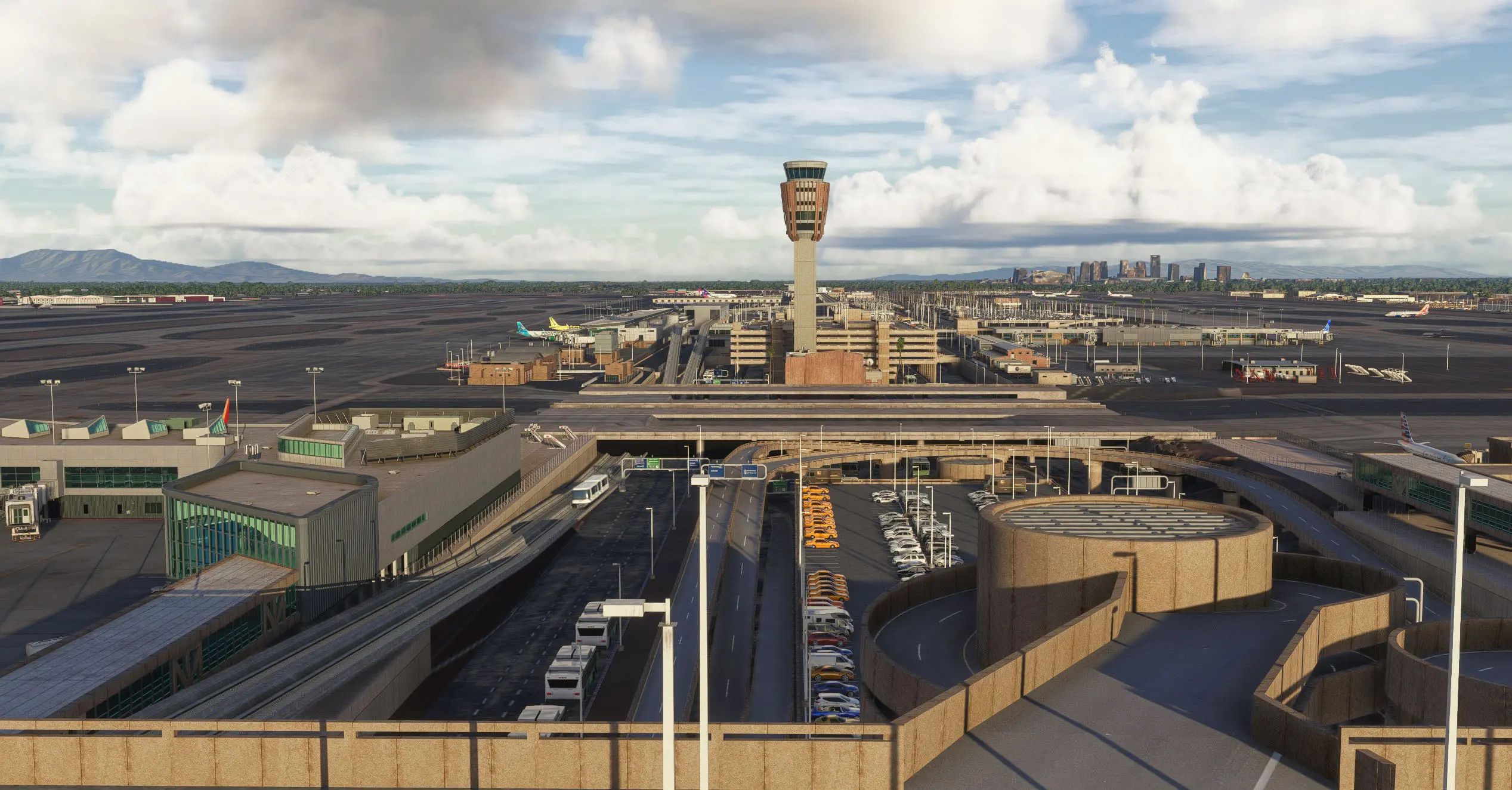
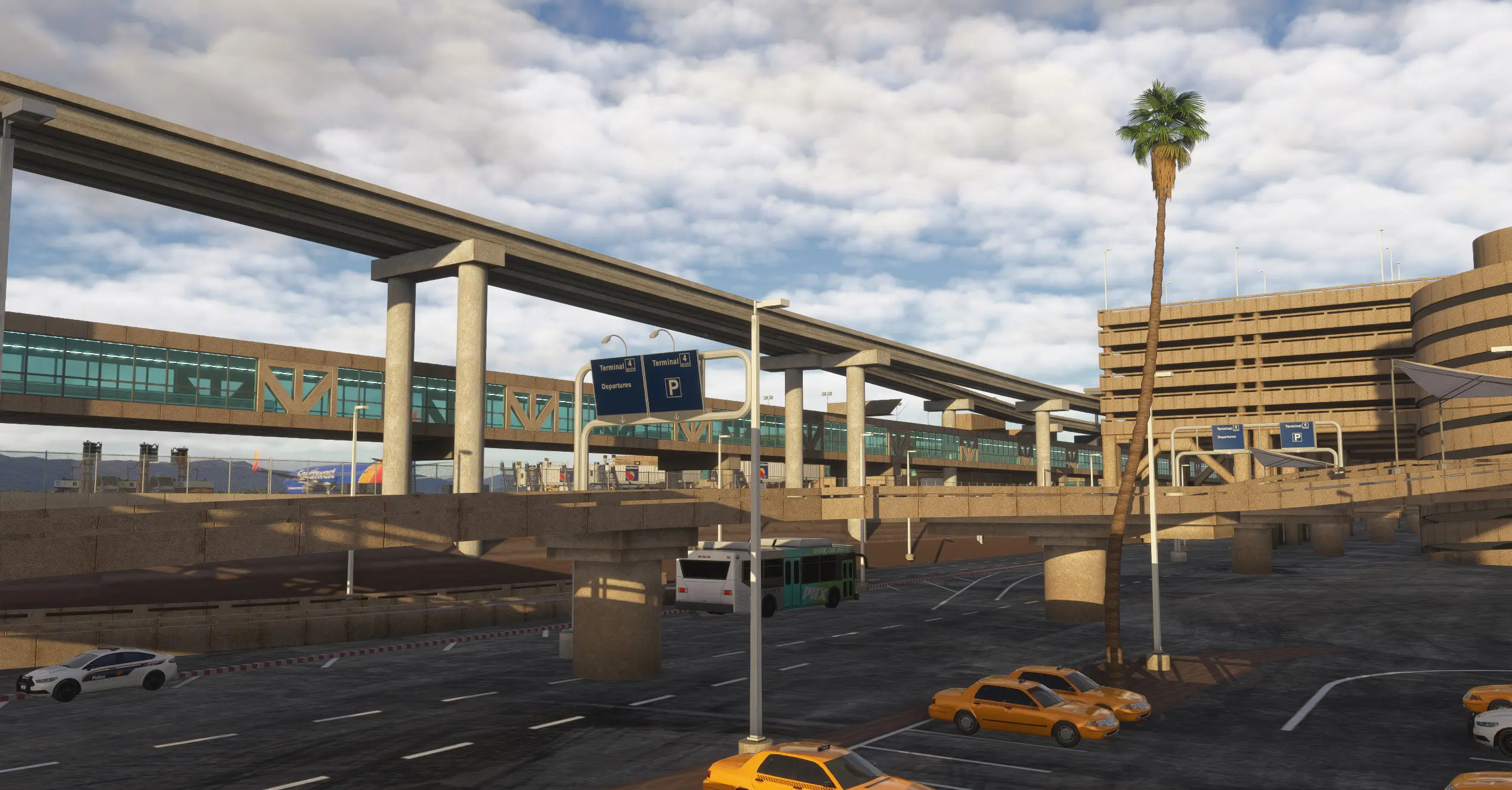
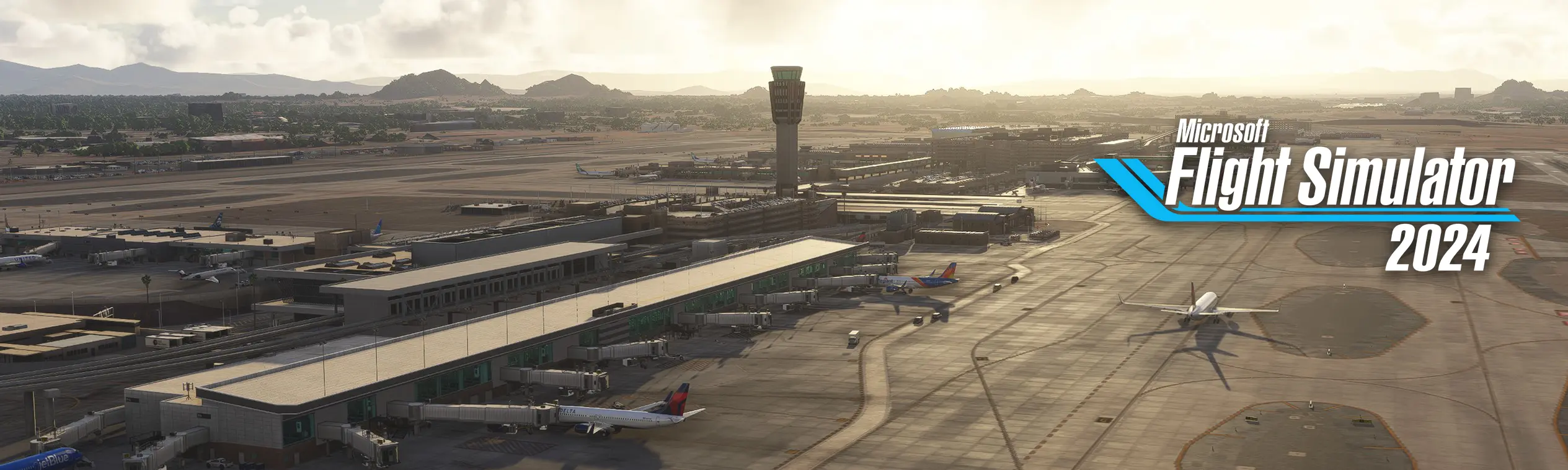
We proudly present KPHX Phoenix Sky Harbor International Airport for Microsoft Flight Simulator 2024, fully enhanced and reworked to meet the latest MSFS 2024 SDK standards.
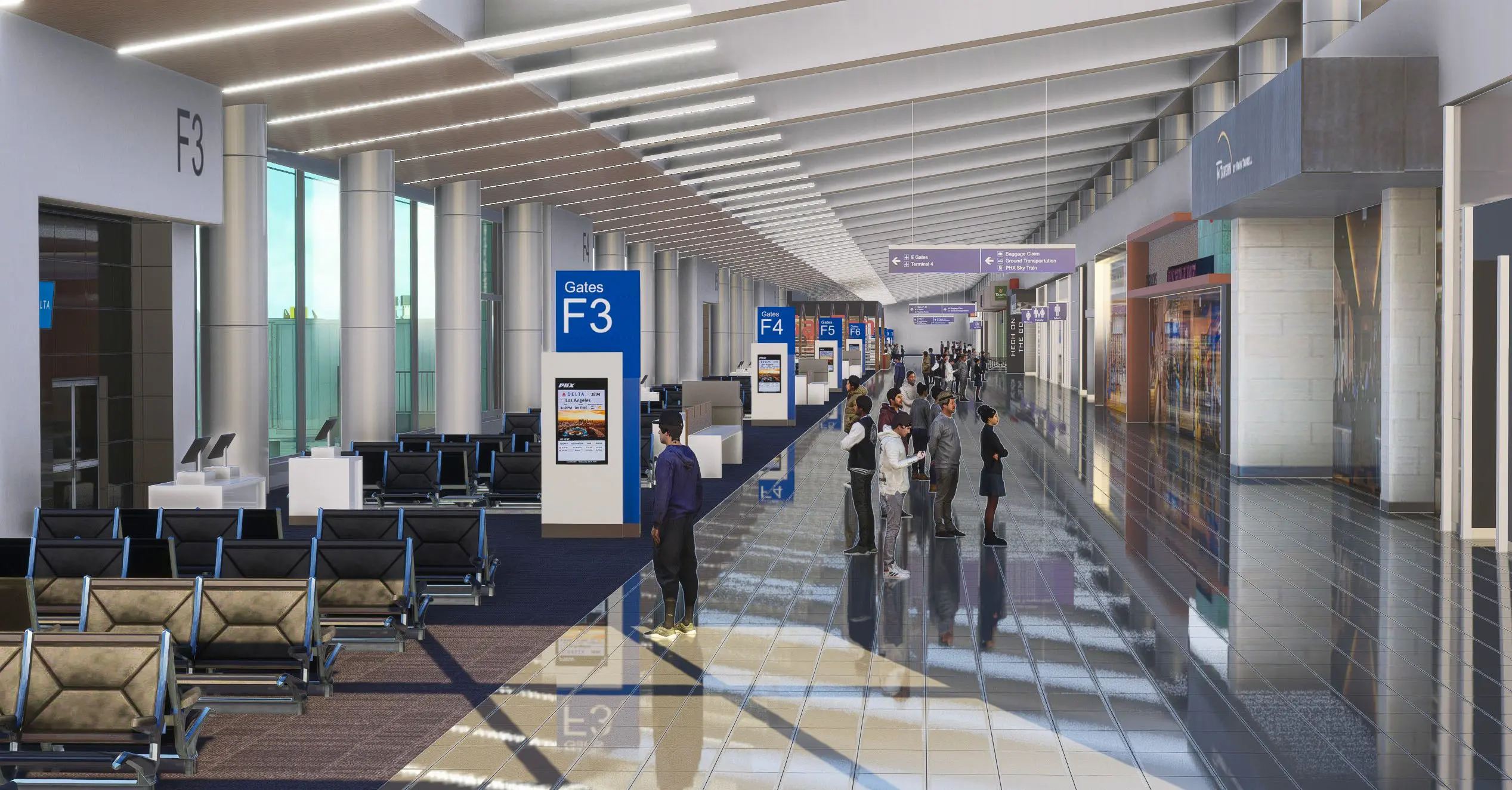
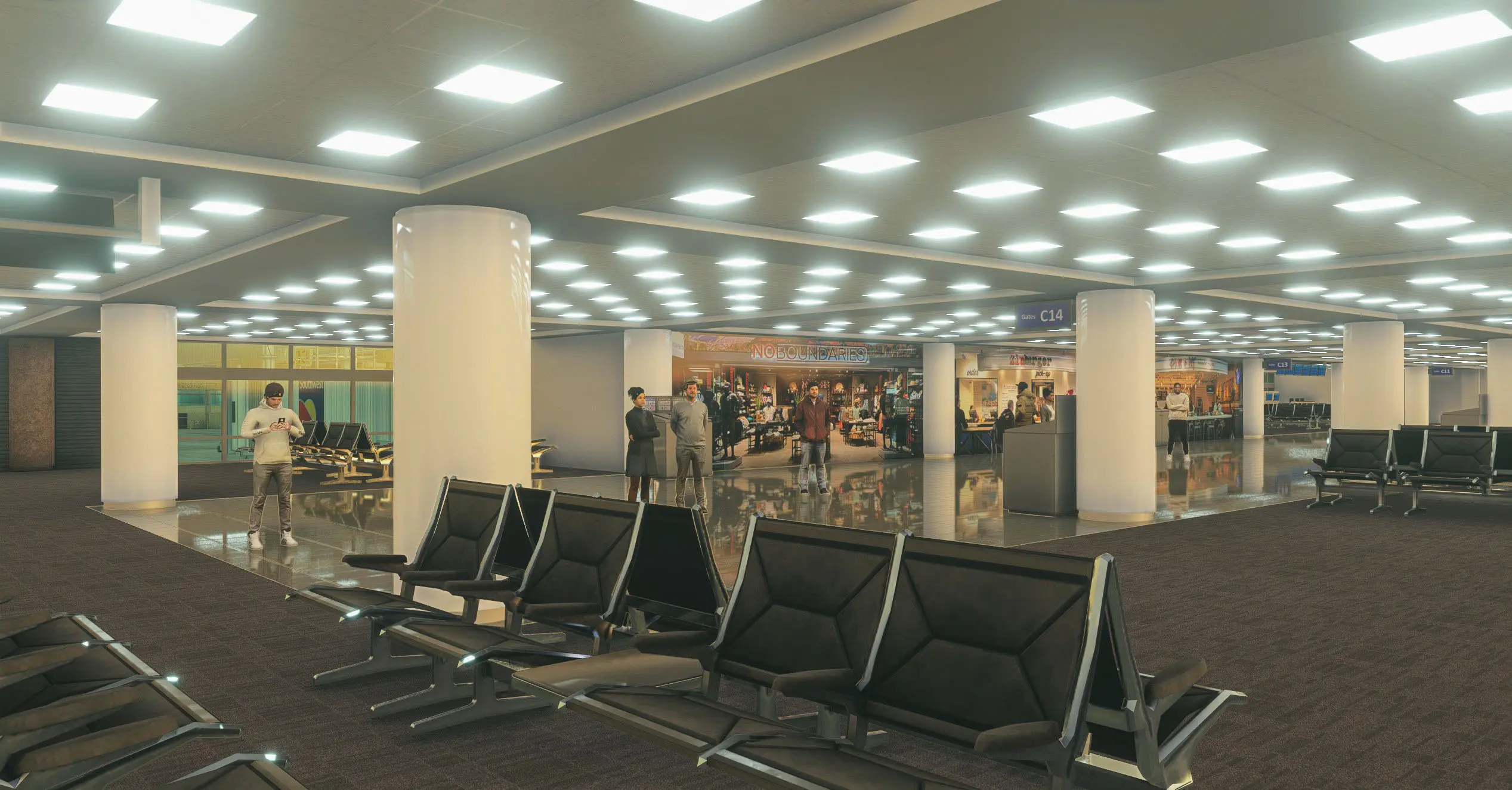
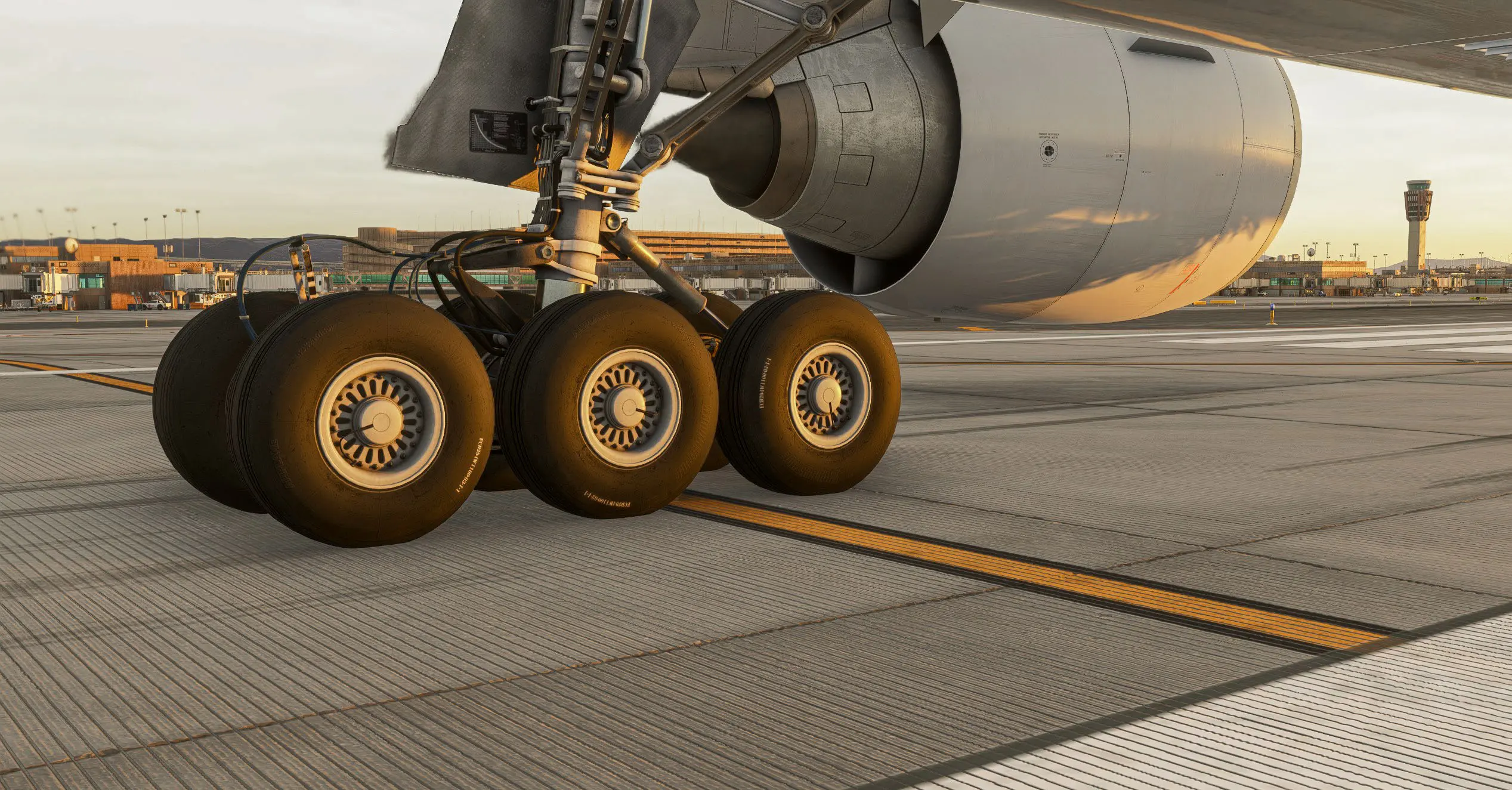
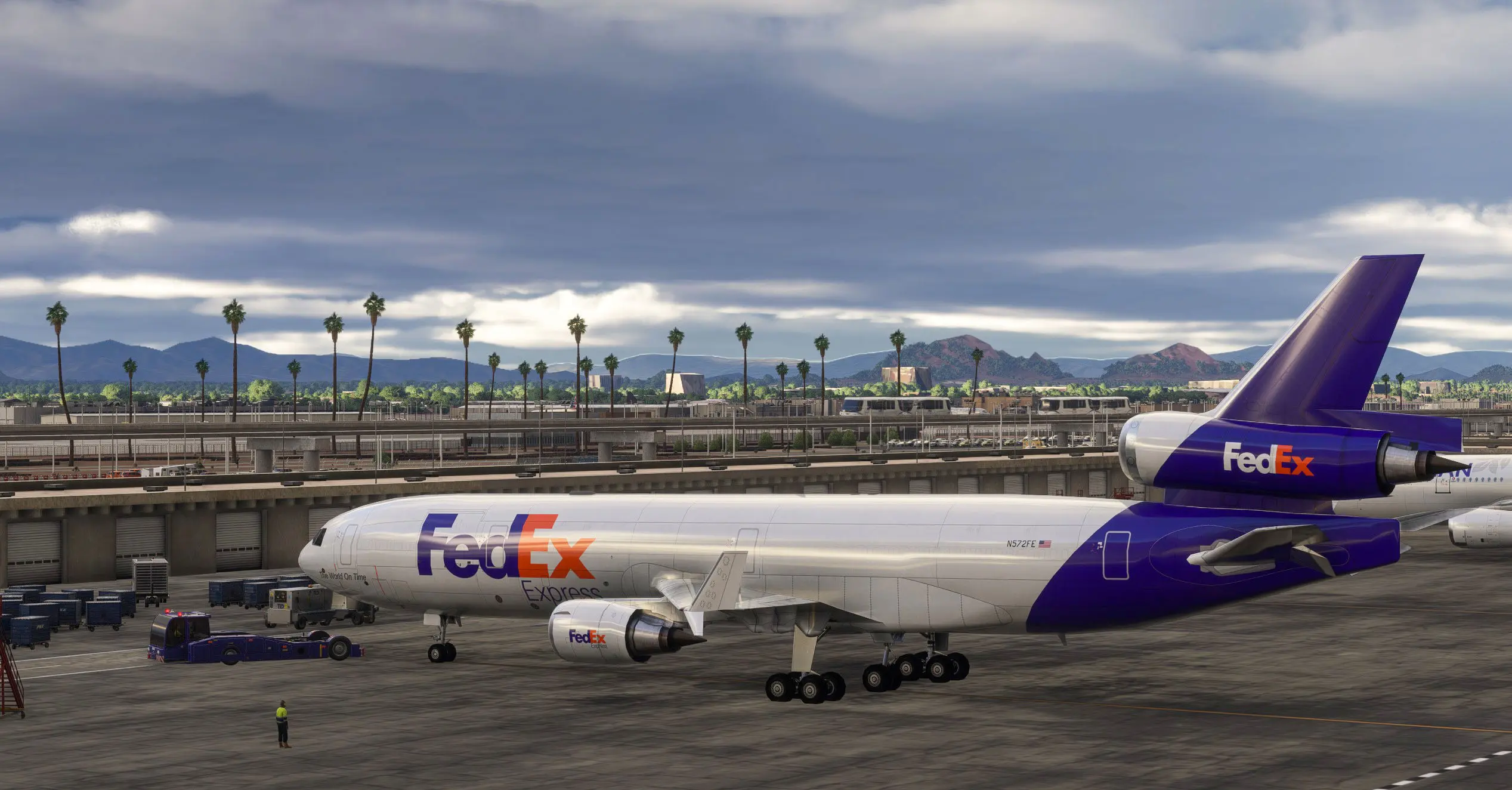
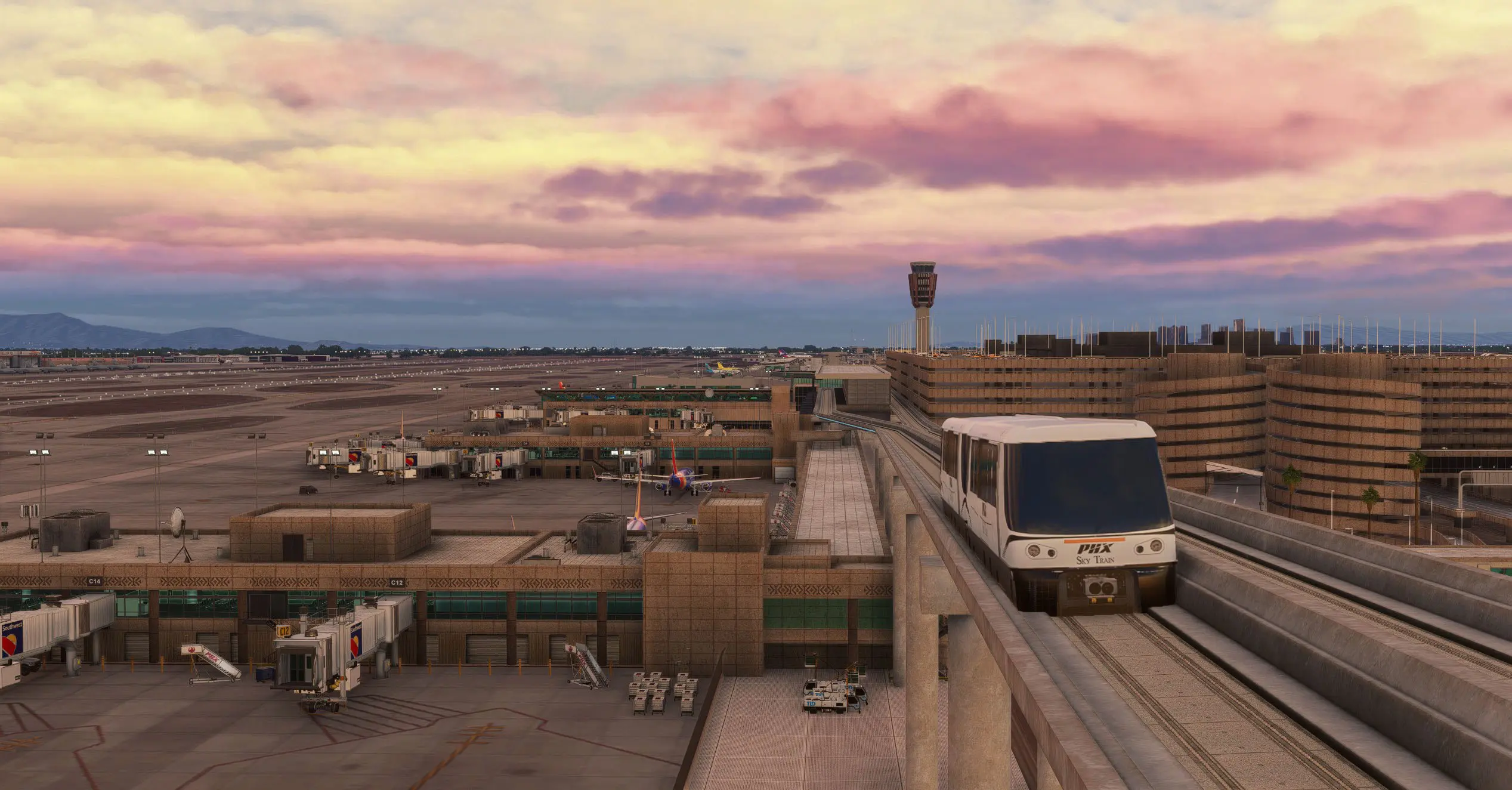
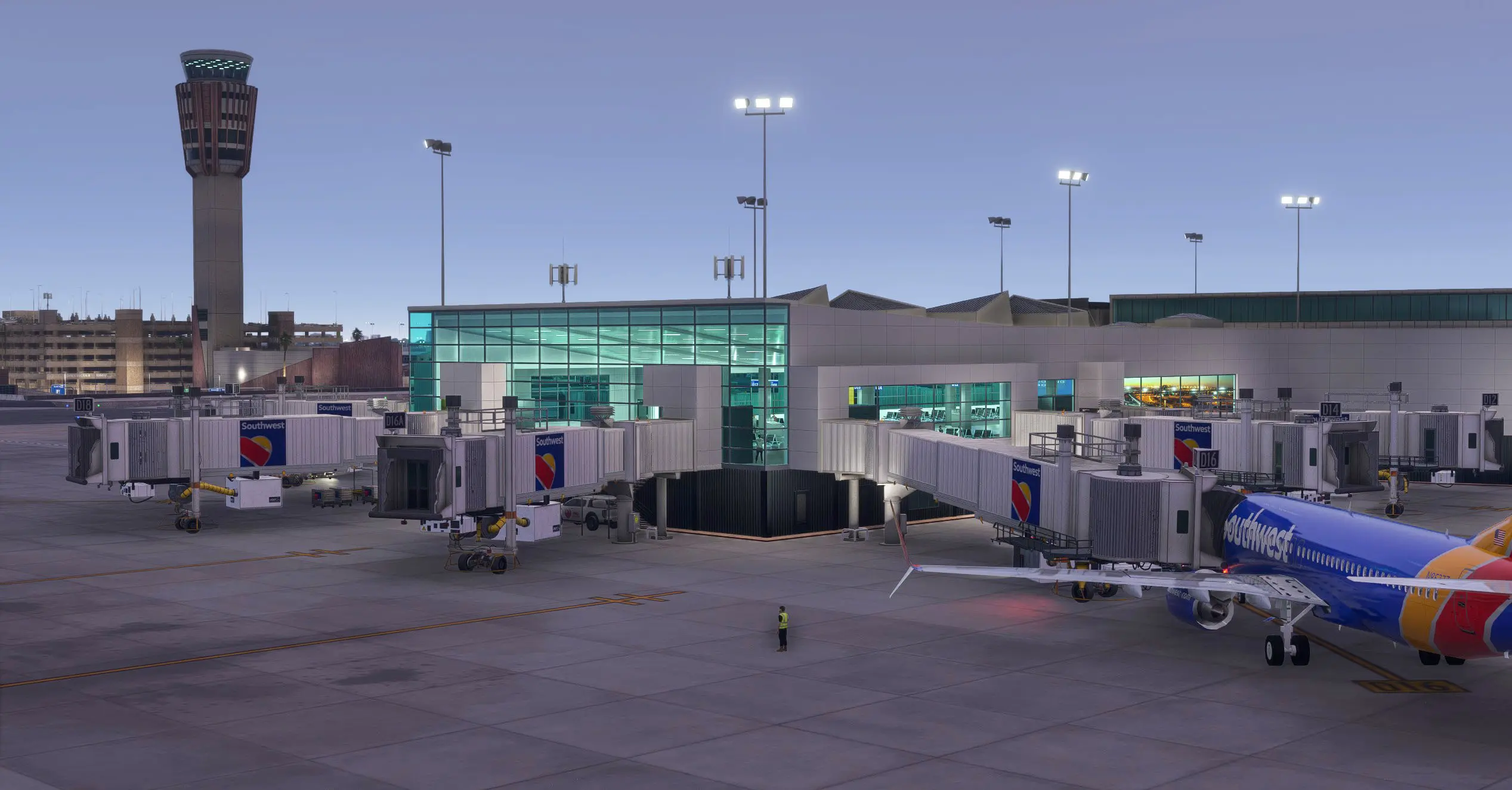
All objects have been updated with improved materials, new rendering features, detailed interiors for all terminals (all Concourses), and a complete LOD system for every asset — ensuring smooth performance on both PC and Xbox.

Sky Harbor is one of the busiest and most iconic airports in the American Southwest, serving millions of passengers each year and connecting Phoenix with over 100 destinations across the United States and beyond.

About the Airport

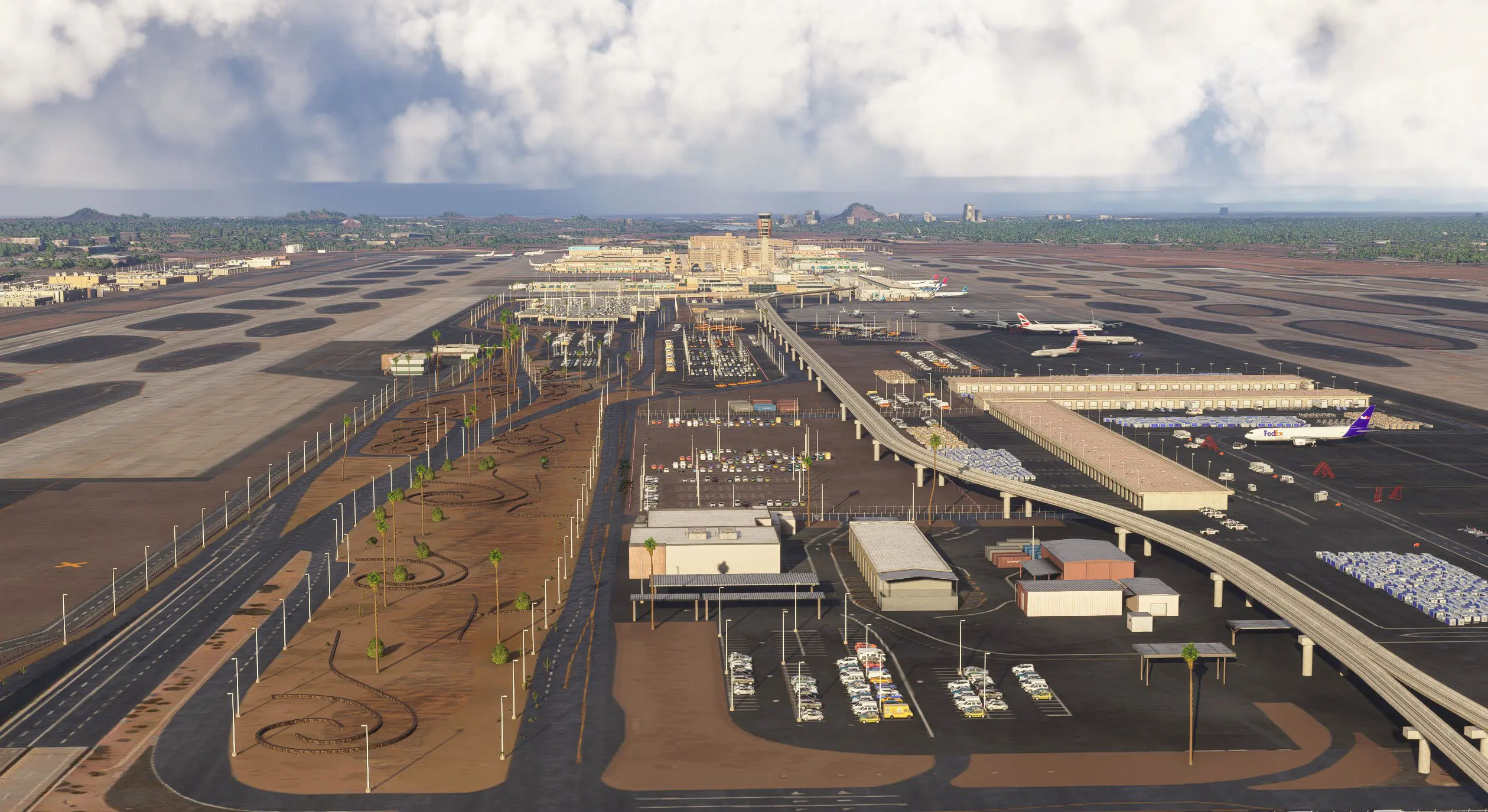
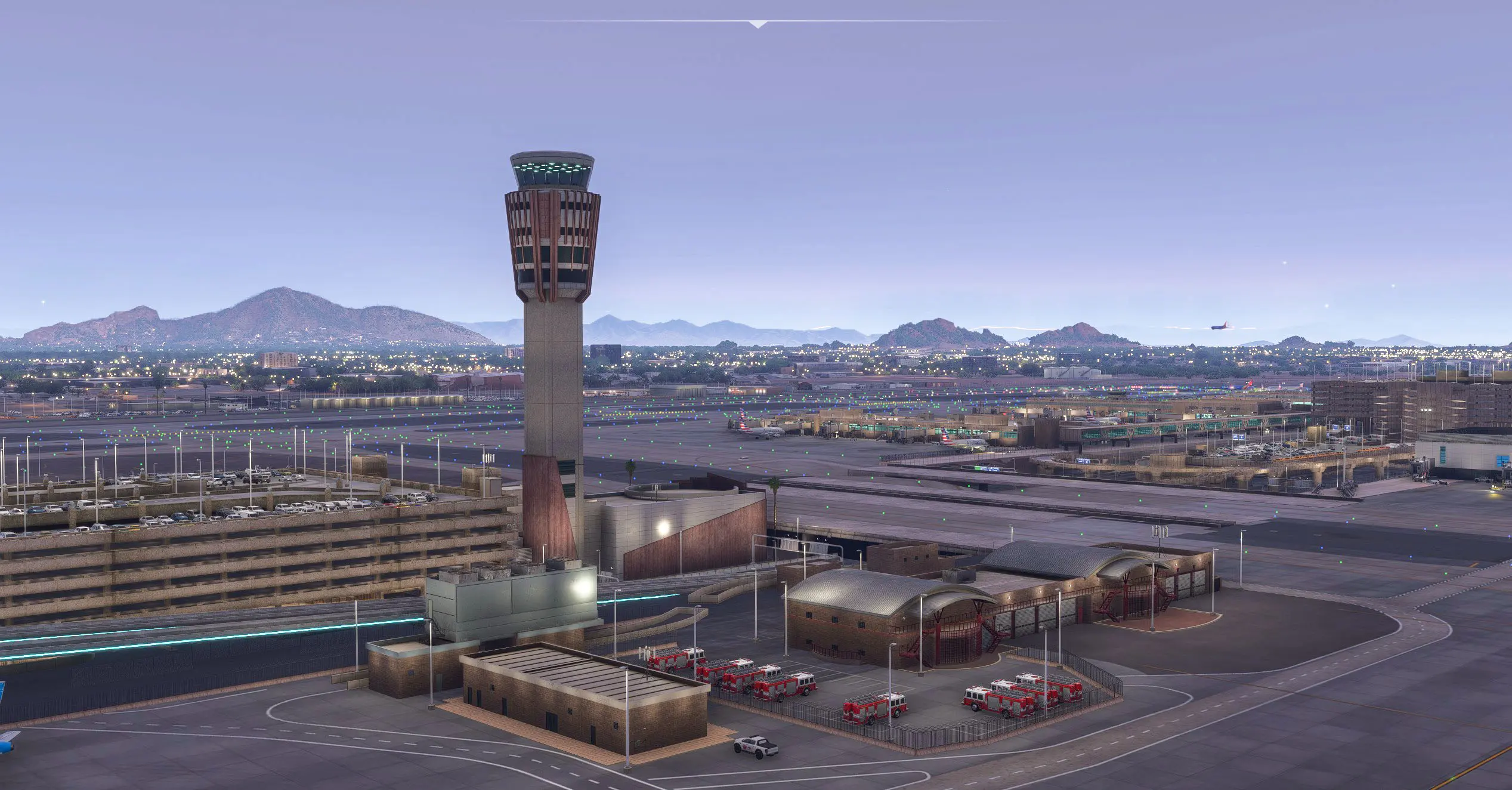
Located just three miles east of downtown Phoenix, KPHX Sky Harbor spans more than 3,400 acres and features three parallel runways.
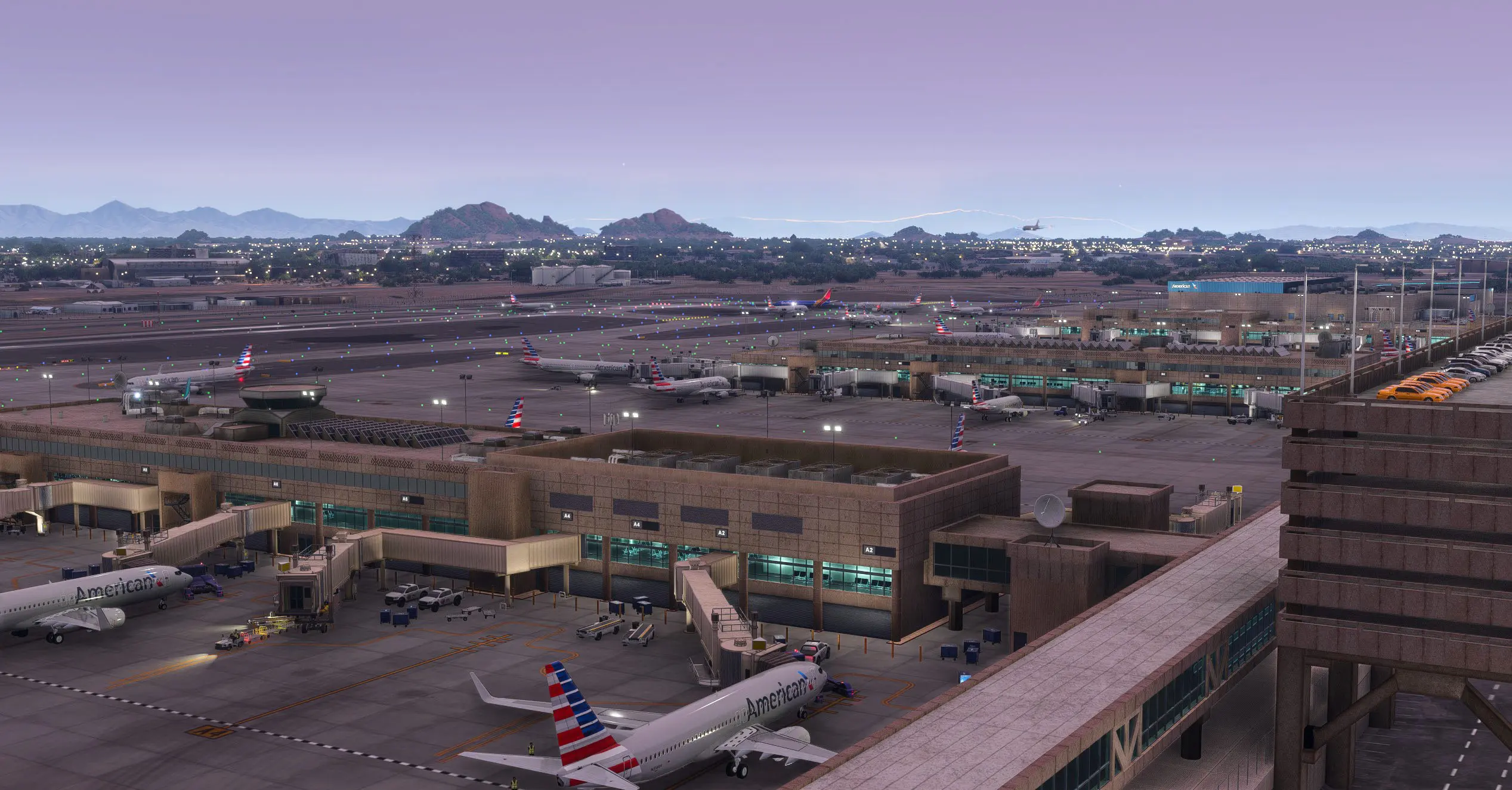
It serves as a major hub for American Airlines and Southwest Airlines, and is an important center for cargo and general aviation operations in the region.

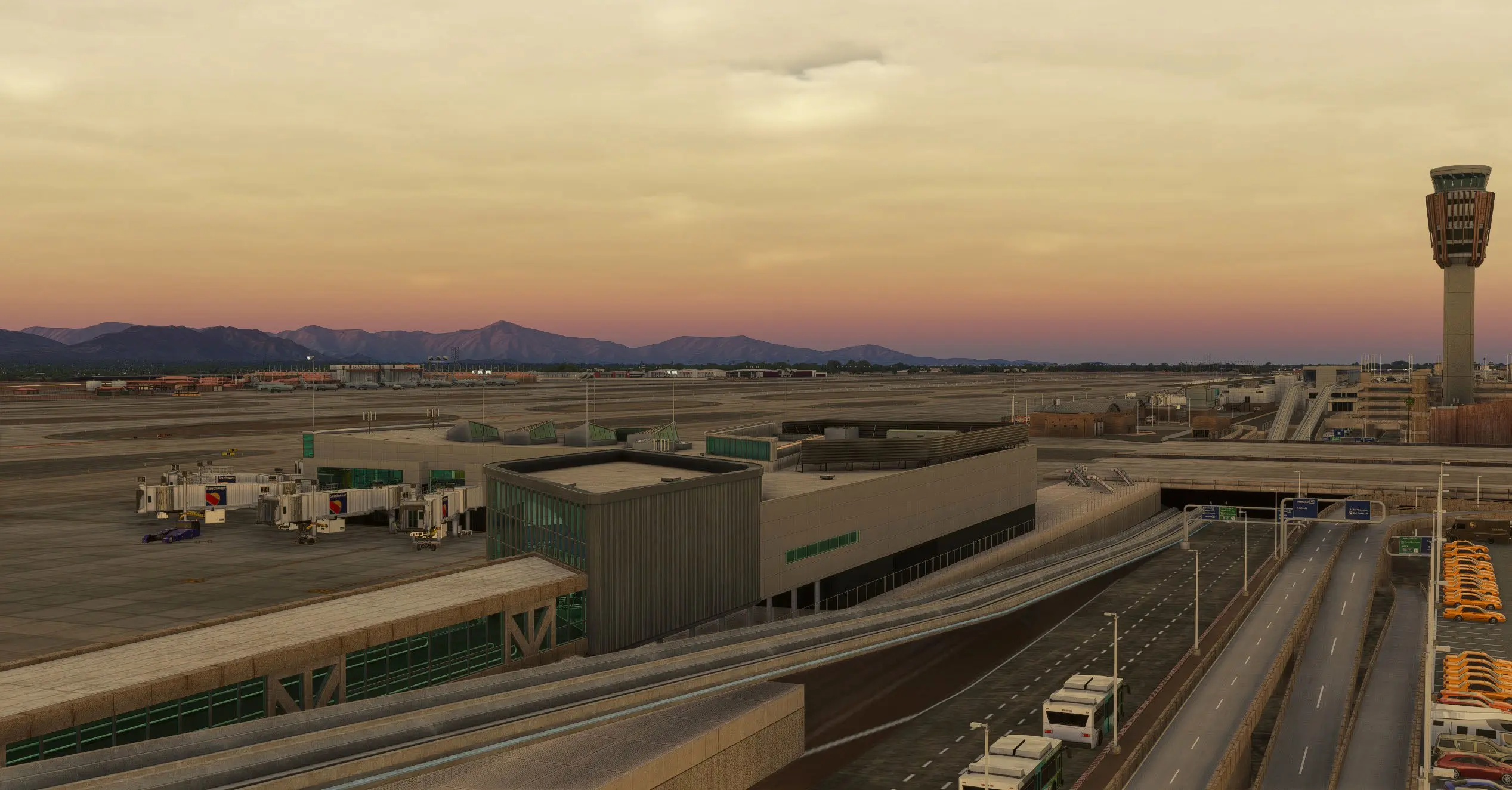
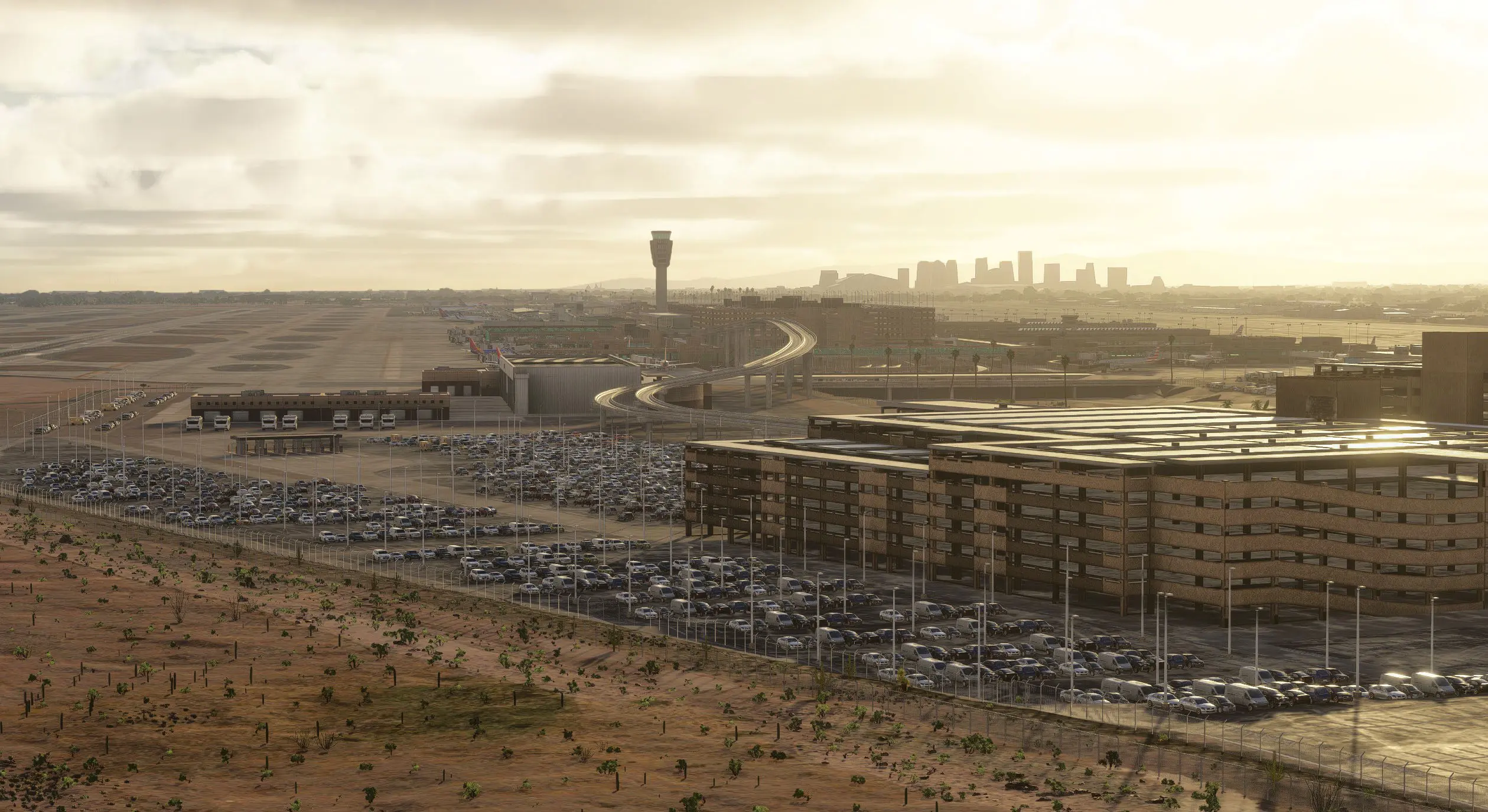
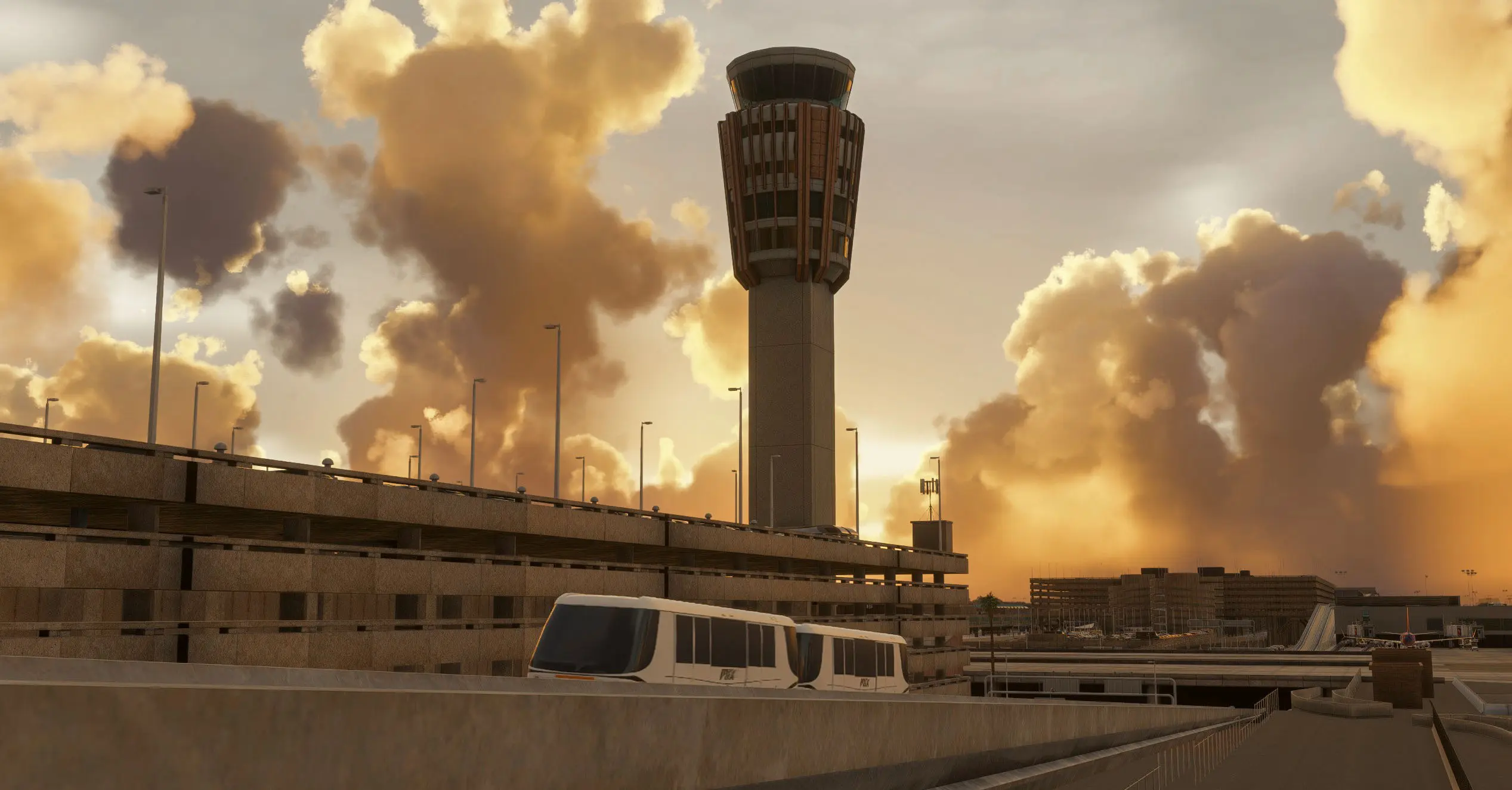
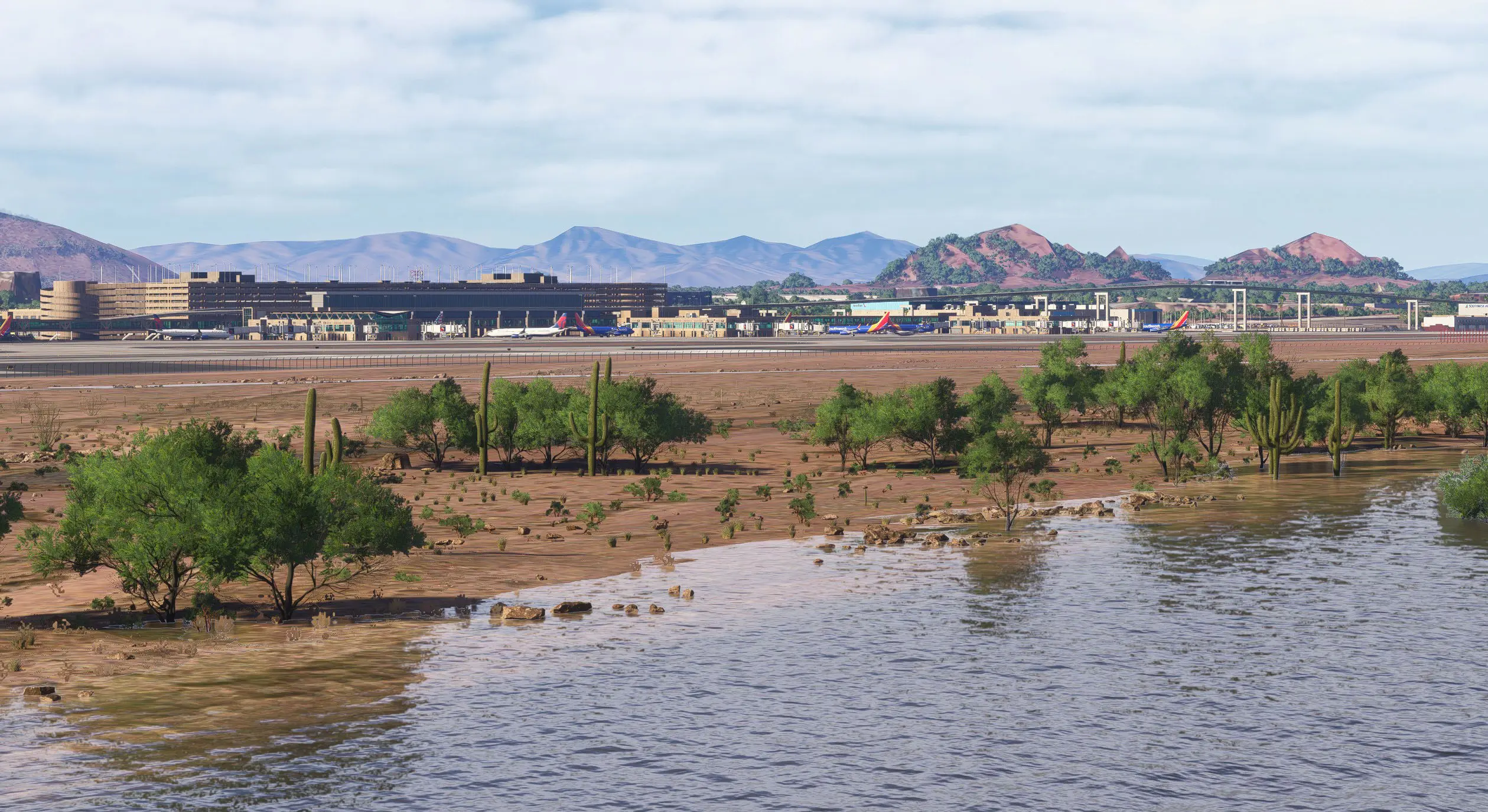
Approaches into Phoenix offer dramatic desert views, Camelback Mountain silhouettes, and downtown skyline flyovers — making KPHX one of the most scenic and recognizable airports in the United States.

Discover Phoenix like never before — detailed, atmospheric, and fully optimized for Microsoft Flight Simulator 2024.

Version History ▼

VERSION 3.0.0 RELEASED NOVEMBER 20, 2025

  • Reworked all ground textures: aprons, taxiways, runways, markings
  • Added detailed interiors for all terminals and Concourses
  • Updated dynamic lighting across ramps and approach areas
  • Improved jetway models and animations
  • Added LOD levels to every object in the scenery
  • Fully optimized FPS for PC and Xbox
  • Fully aligned with MSFS 2024 SDK parameters and rendering features

VERSION 1.6.5 RELEASED JULY 27, 2024

  • Added Official GSX Profile
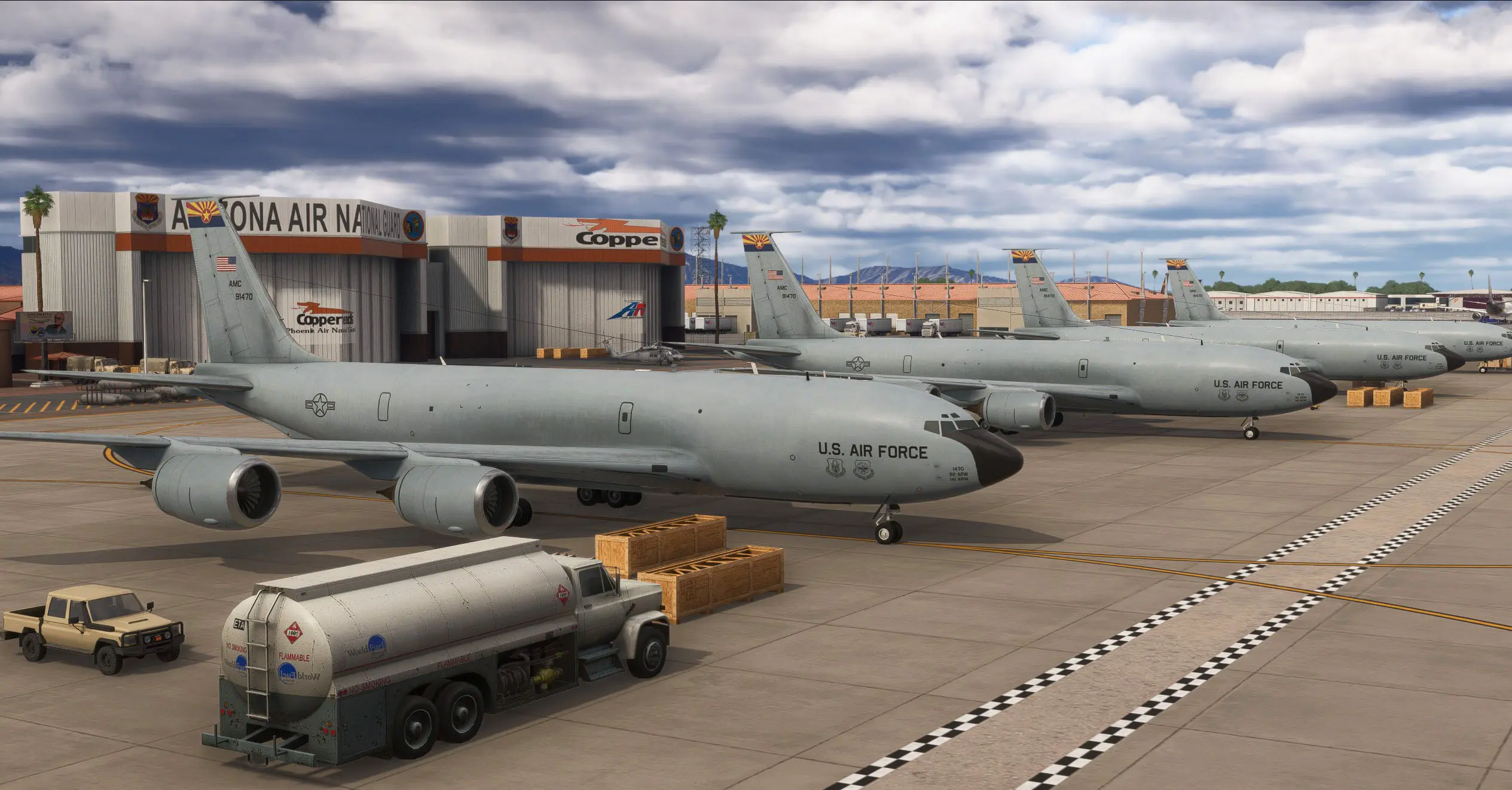
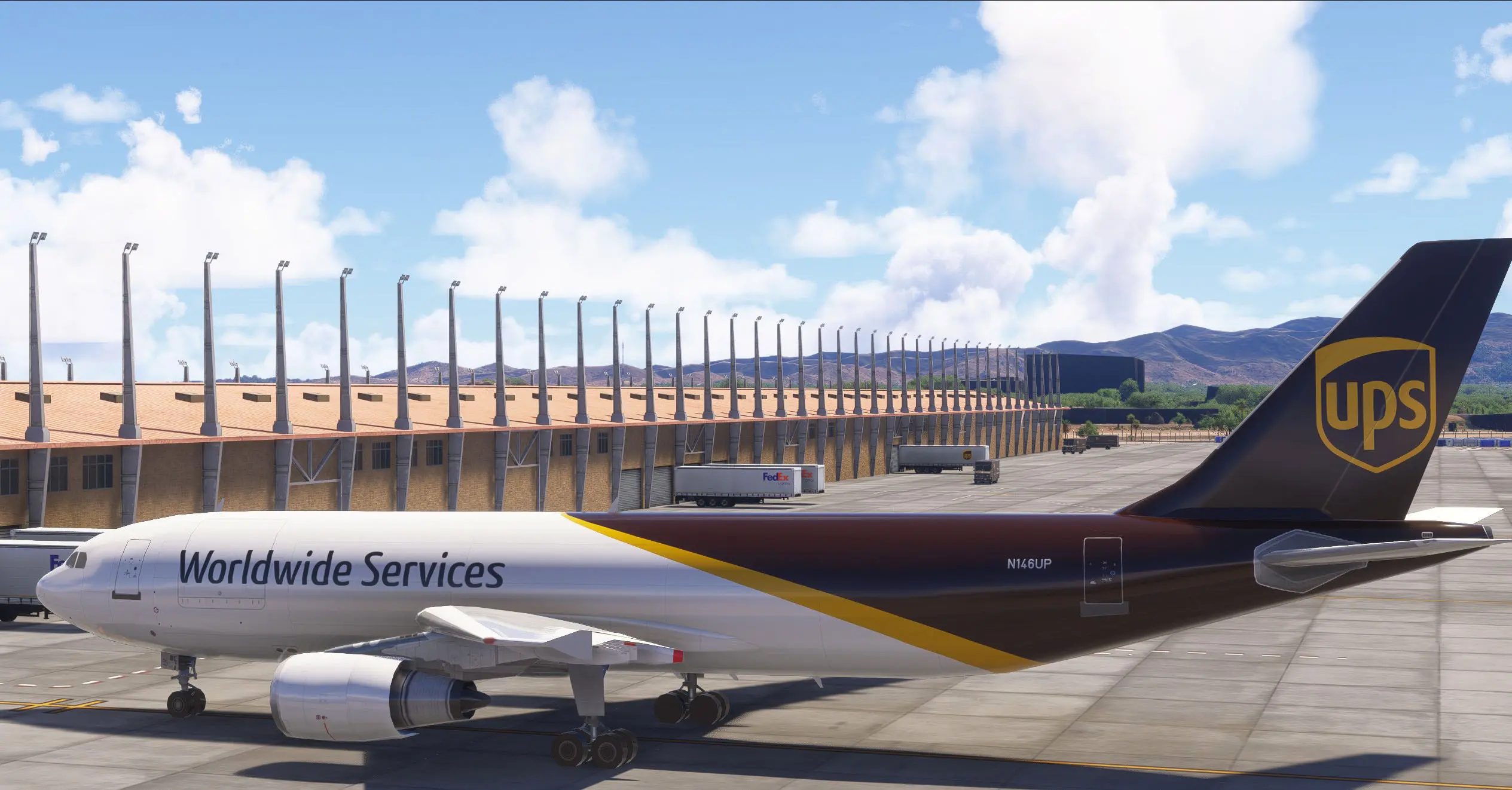
  • Added parking spots to West Cargo area
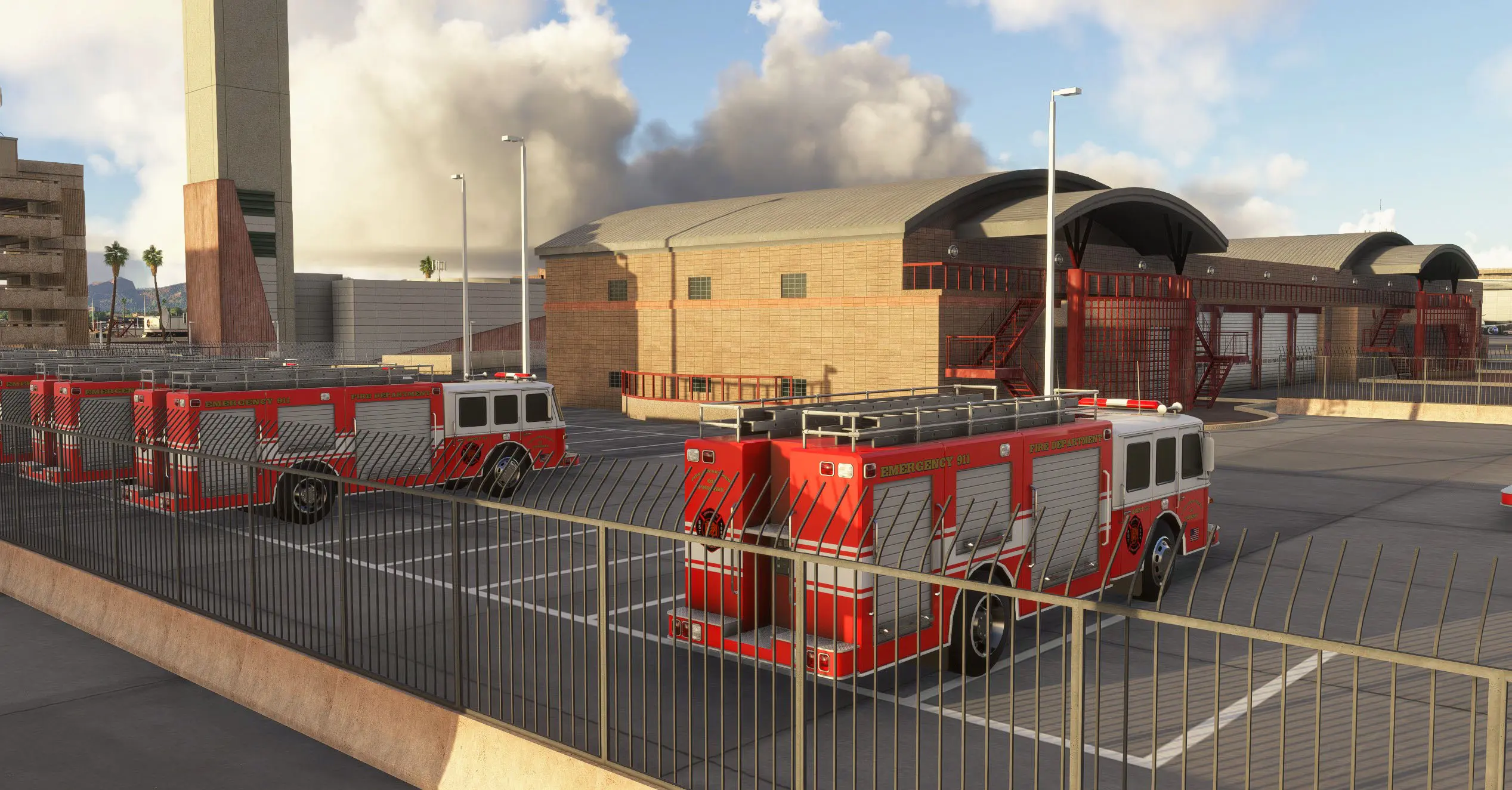
  • Added custom ground vehicles
  • Added animated Runway Guard Lights on all intersections

VERSION 1.6.0 RELEASED MARCH 28, 2024

  • added option to select HD or SD textures
  • improved performance
  • improved jetway models
  • corrected ground markings
  • added custom Wig-wag lights
  • added green-orange runway exit lighting
  • decreased taxiway tips and edge lights intensity

VERSION 1.5.0 RELEASED JUNE 10, 2023

  • added interior in walkways
  • fixed bug with vegetation on taxiways and runways
  • impoved construction area near terminal F gates and added GA parkings
  • deleted localizer antenna model for runway 25R
  • added custom glideslope antennas for runways 8 and 26.

VERSION 1.4.0 RELEASED MAY 9, 2023

  • improved jetways (now SWA logo only on SWA Gates)
  • now jetways have numberplates with gate numbers
  • added walkways at Gates B (parking B1, B15)
  • all palms changed to California palm type

VERSION 1.2.0 RELEASED MARCH 18, 2023

  • Fixed shimmering/flickering objects

VERSION 1.1.1 RELEASED MARCH 17, 2023

  • added commercial parking on FBO zone
  • improved digitalization and lighting of FBO apron
  • adjusted parkings location and size around main terminals
  • changed color of some jetways and removed SW logo
  • upgraded facade of Terminal 3N E
  • E5 jetway now in right place
  • upgraded facade of Terminal 3N E
  • upgraded connector path of Terminal 3S F
  • ground equipment in area beside taxiway R on the side of the American Airlines hangar is removed
  • bushes around RW 8-26 on the northside are removed
  • grass in the center of sky harbor blvd changed into sand with rocks and intricate patterns
$22.99 USD * All estimates in USD

Key features

Complete LOD system for every object for maximum performance
Custom animated jetways
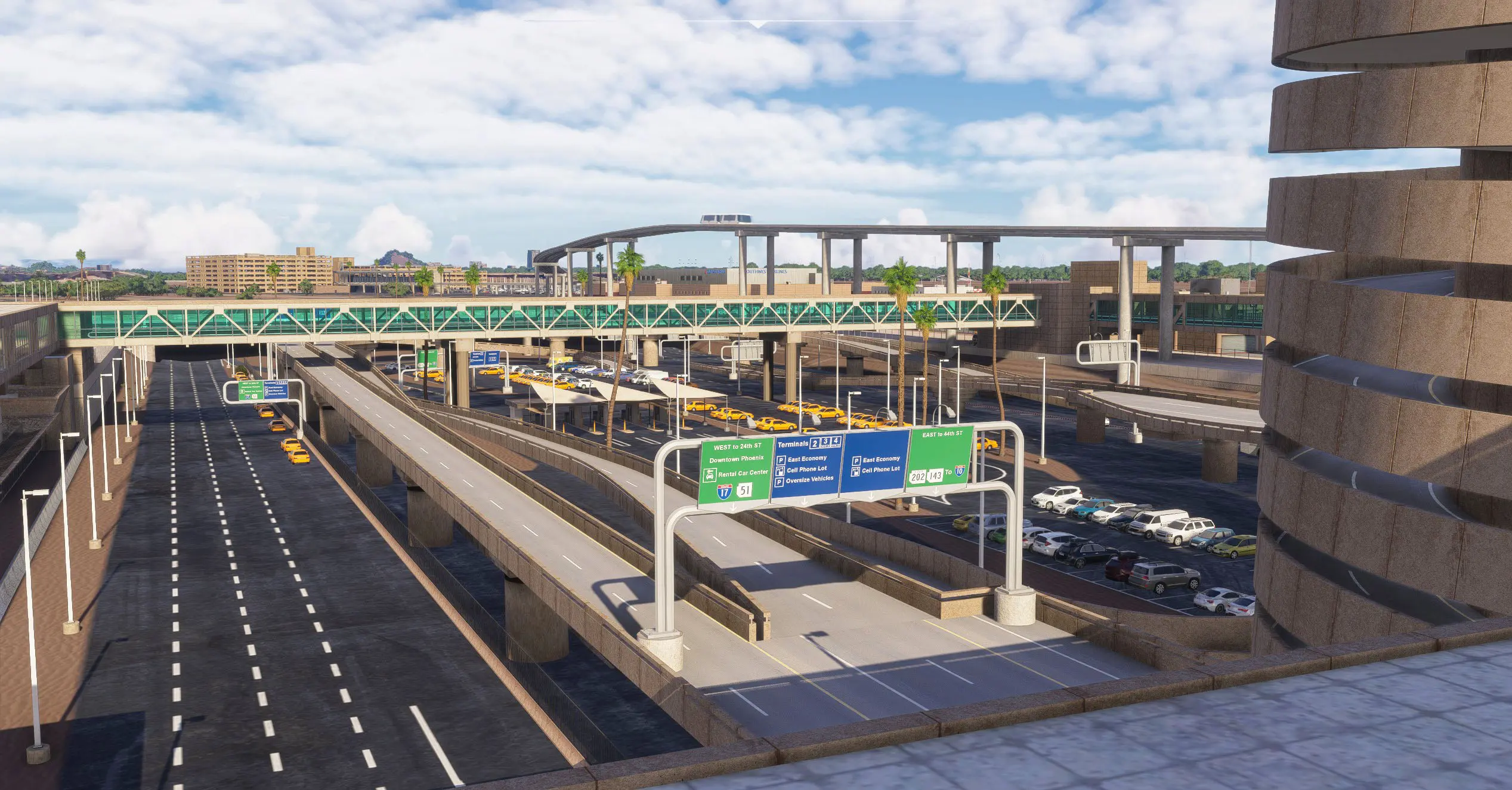
Custom ground markings and updated pavement details
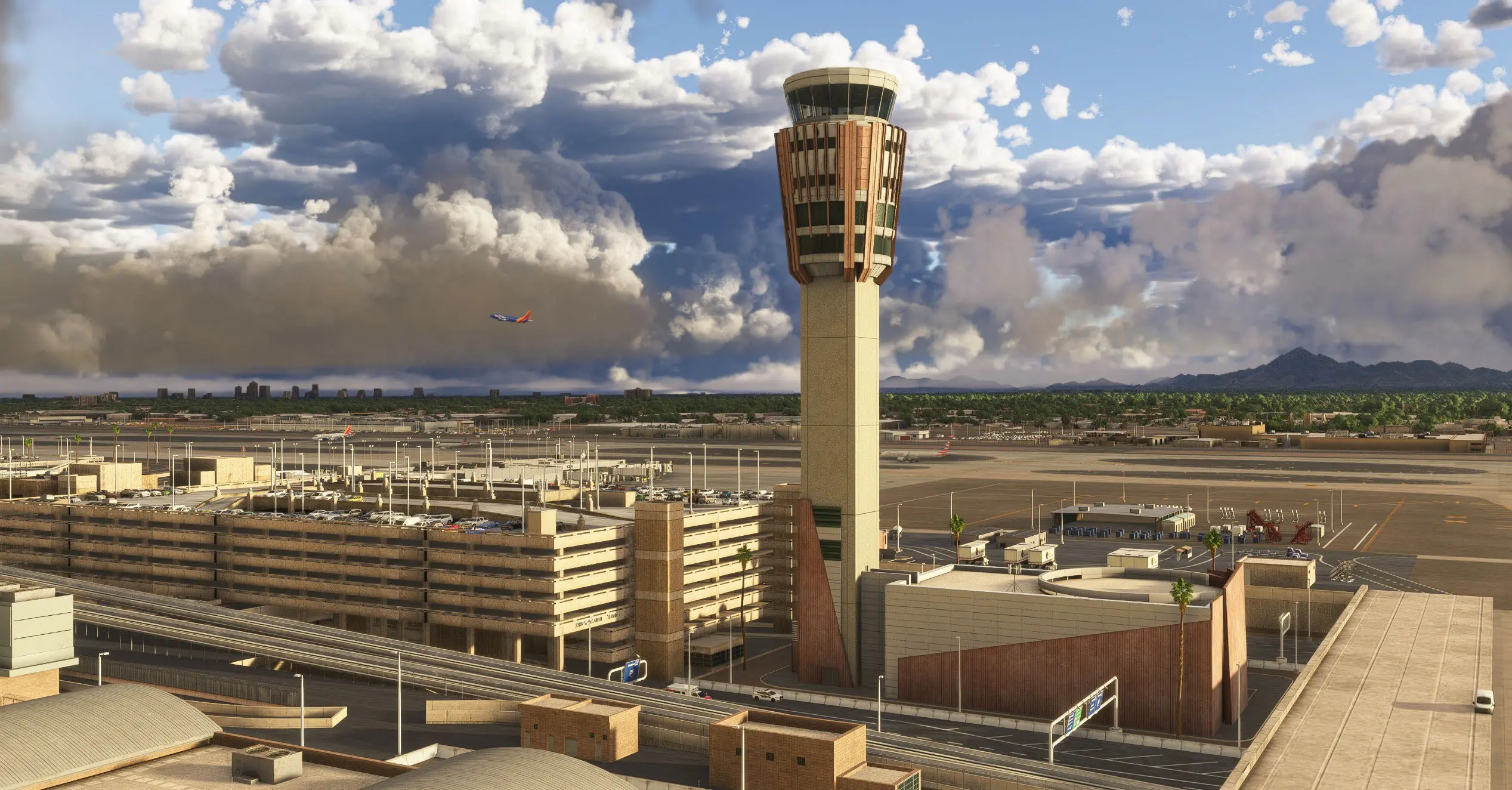
Detailed interiors for all terminals (all Concourses)
Fully aligned with MSFS 2024 SDK parameters and rendering features
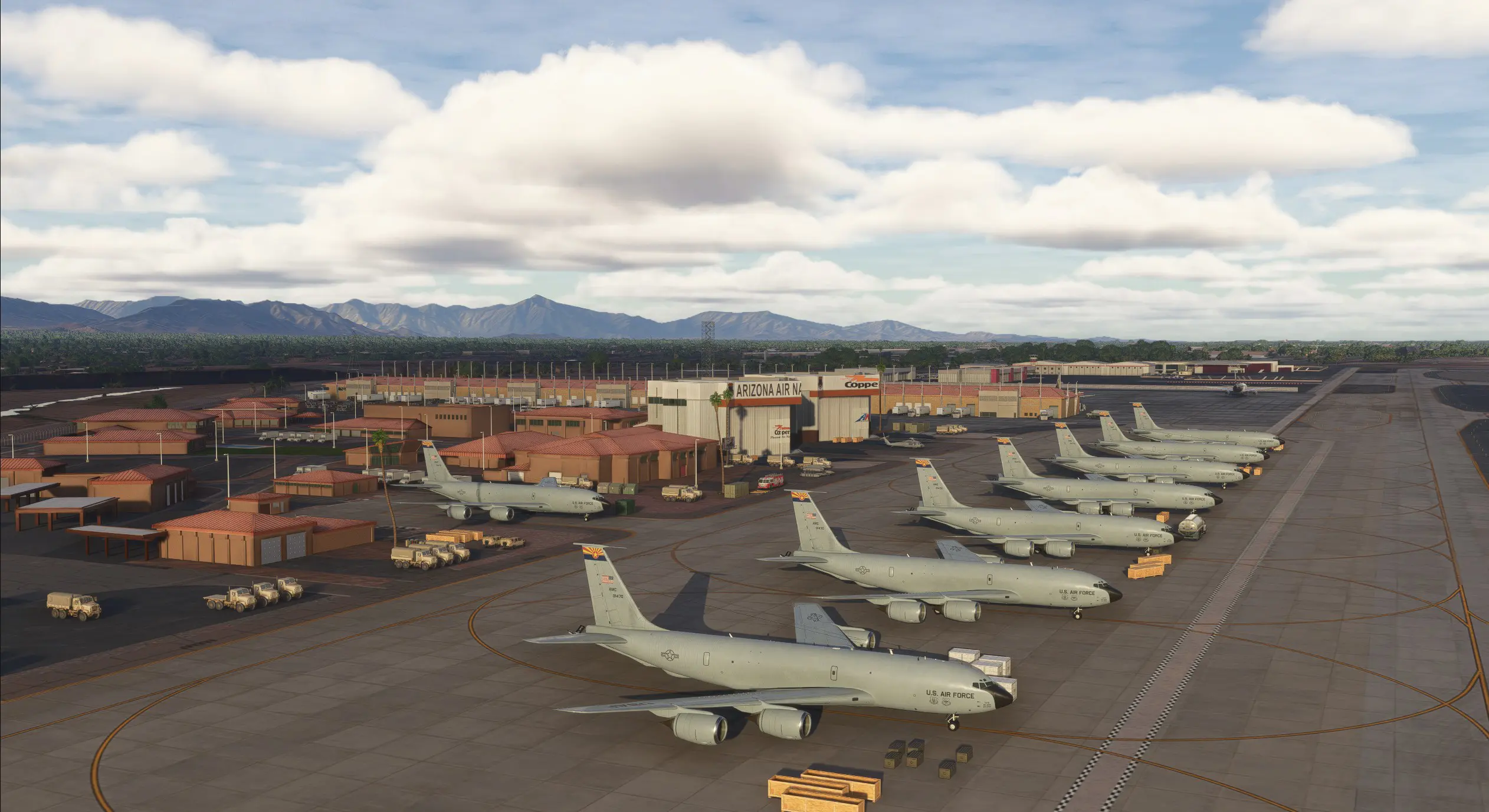
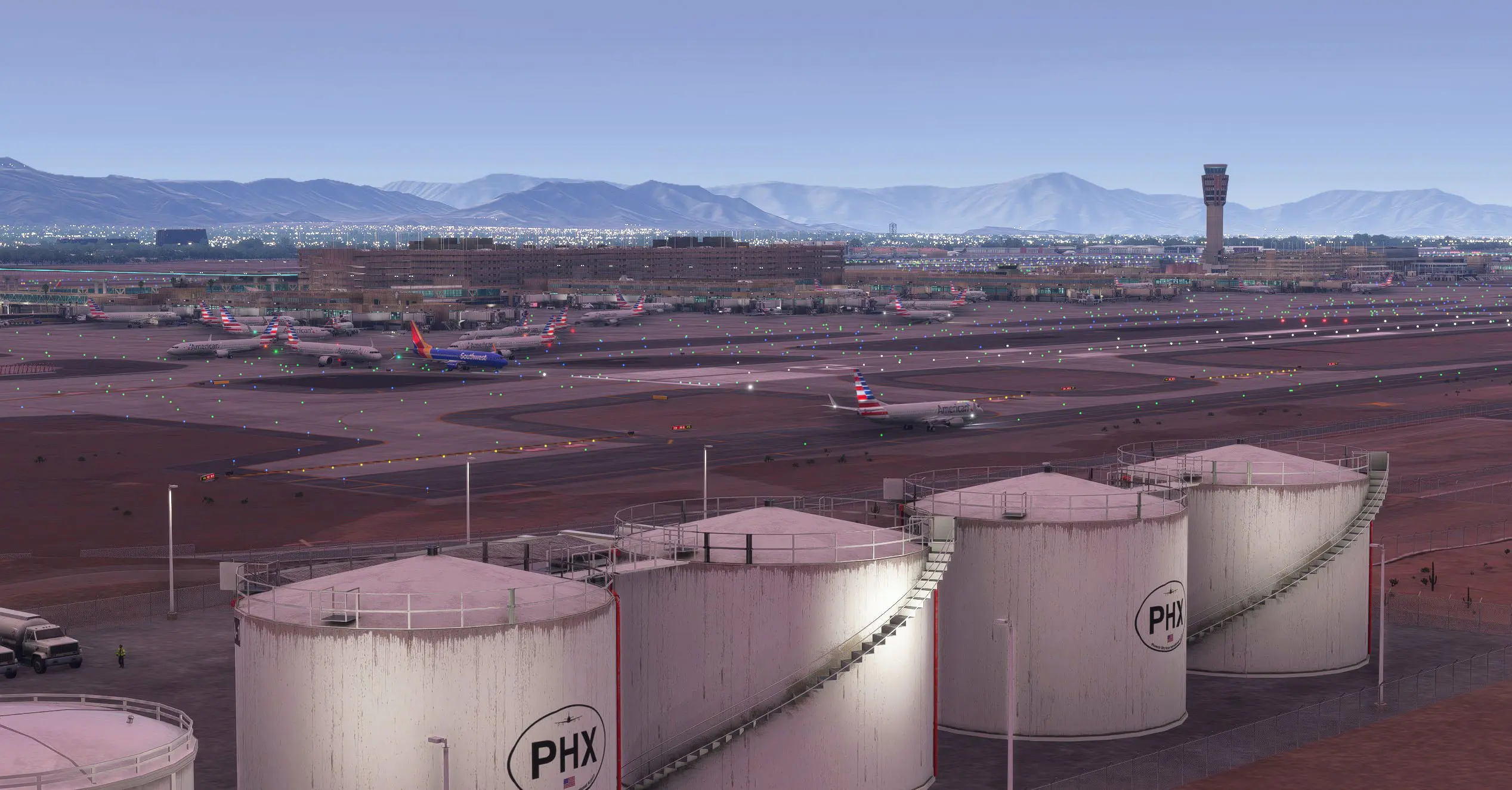
Fully modeled surroundings including parking areas cargo ramps and access roads
High-resolution ground textures and Custom ground markings
Realistic night environment with accurate color temperature

Product Gallery

PRODUCT INFO


Product version

3.0.0

Size

Download Size: 1.70 MB
Installed Size: 3.46 GB

SUPPORTED SIMULATOR

MSFS 2024

0
    0
    Your Cart
    Your cart is emptyReturn to Shop
    0
      0
      Your Cart
      Your cart is emptyReturn to Shop